
KaizenaVisual Page Builder
Create stunning pages and product presentations with ease.
CreateDrag and drop canvas
Create without limits. Set up layouts for pages and products by dragging things into place. Edit as your customers see the page, no need for preview.
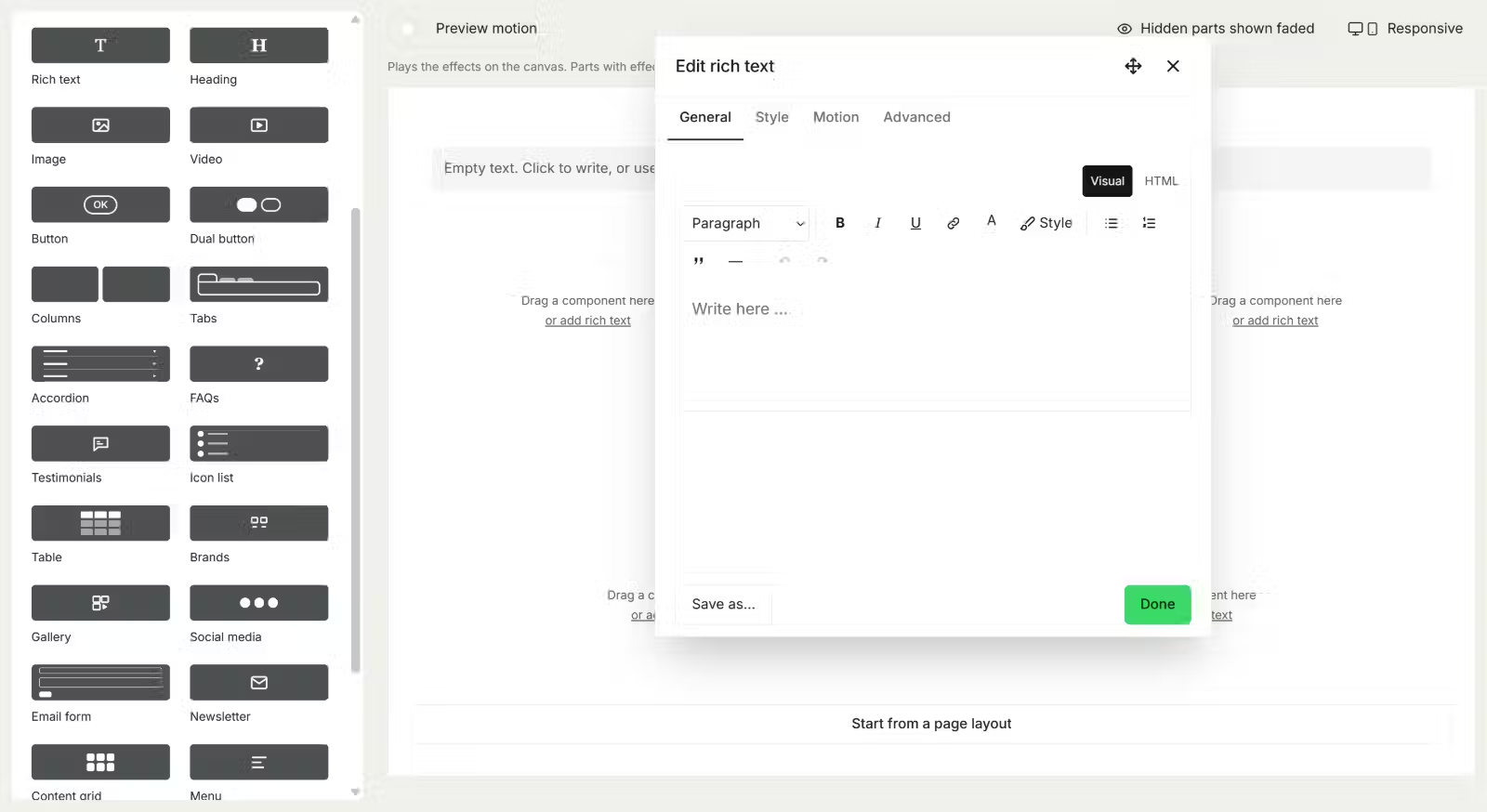
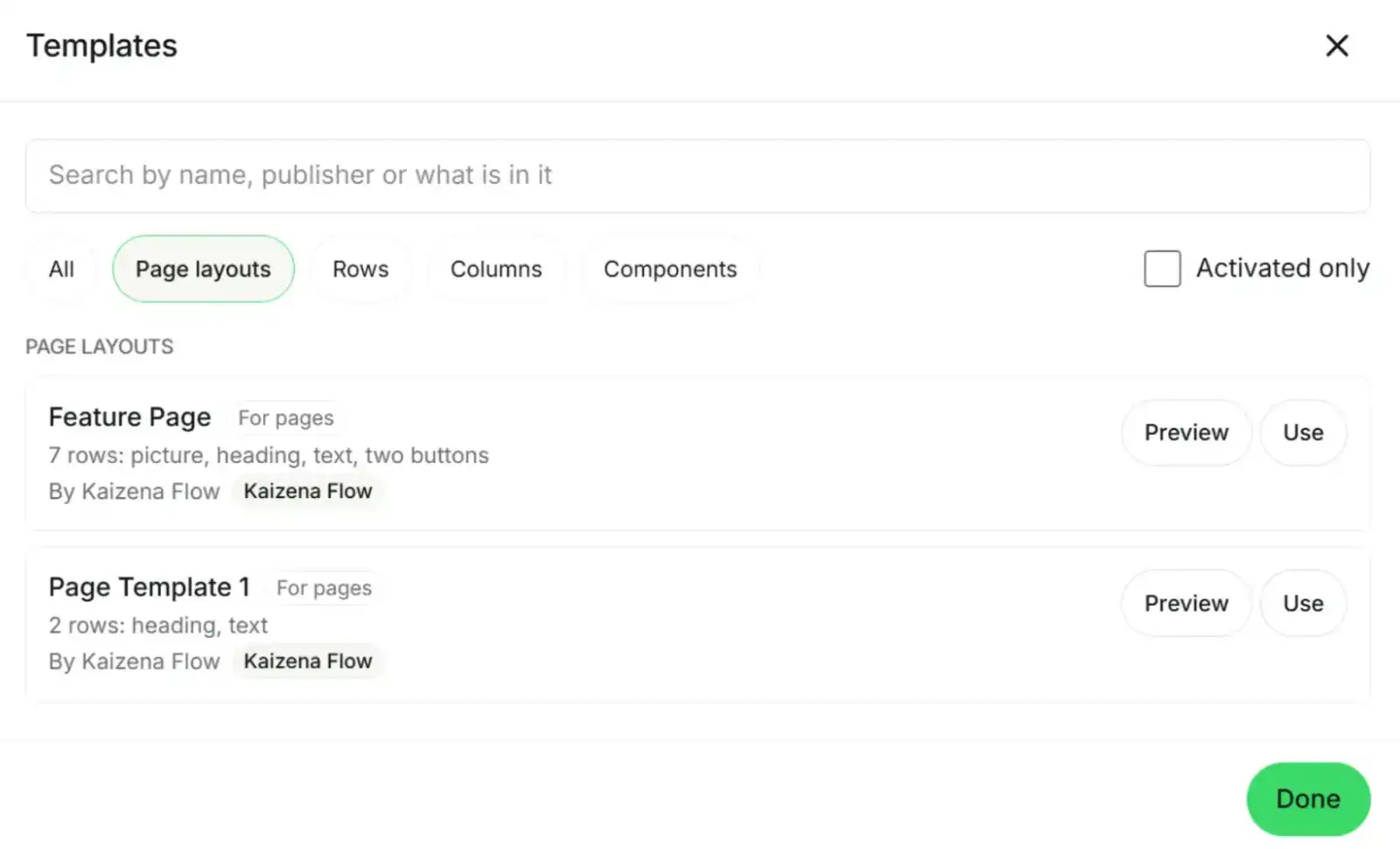
ReusabilityTemplates and styles
Create like a pro.Templates are a great way to get started. Customize and reuse them across your site, or even between multiple sites.
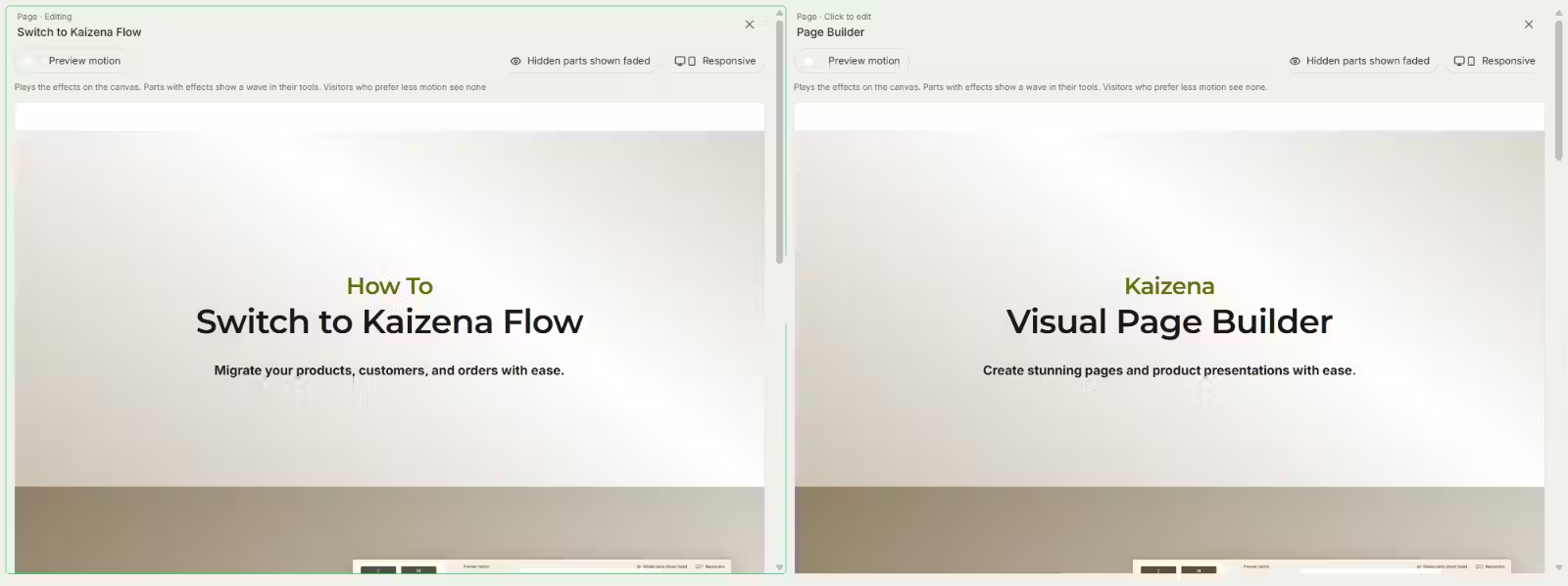
Side by side Dual page workflow
Edit two pages at once. View content side by side and drag and drop content between them.
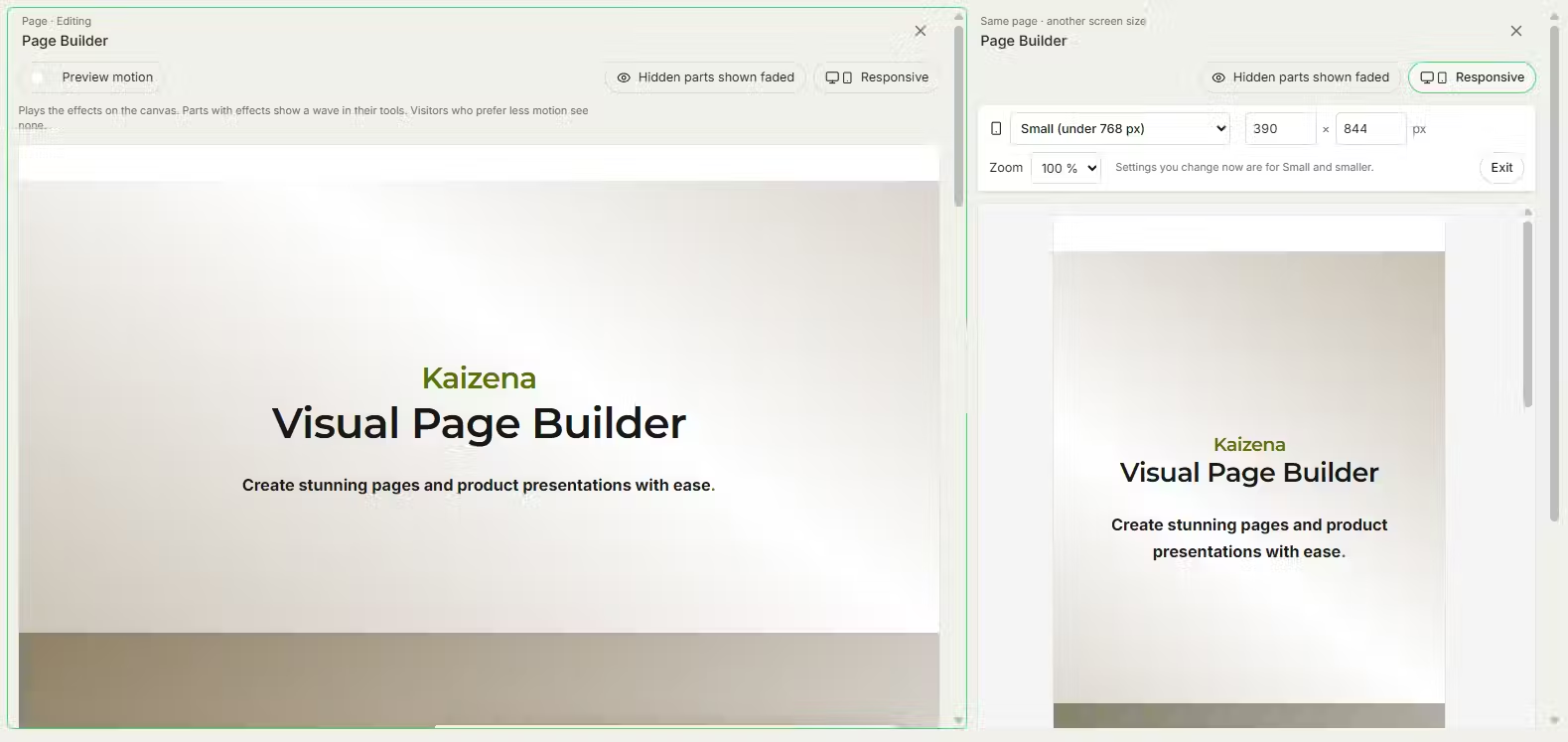
Full Control Multi-device workflow
No more guess-work. Save time and headaches. View and edit how a page looks, side by side on different devices.
CustomizeNo need to compromize
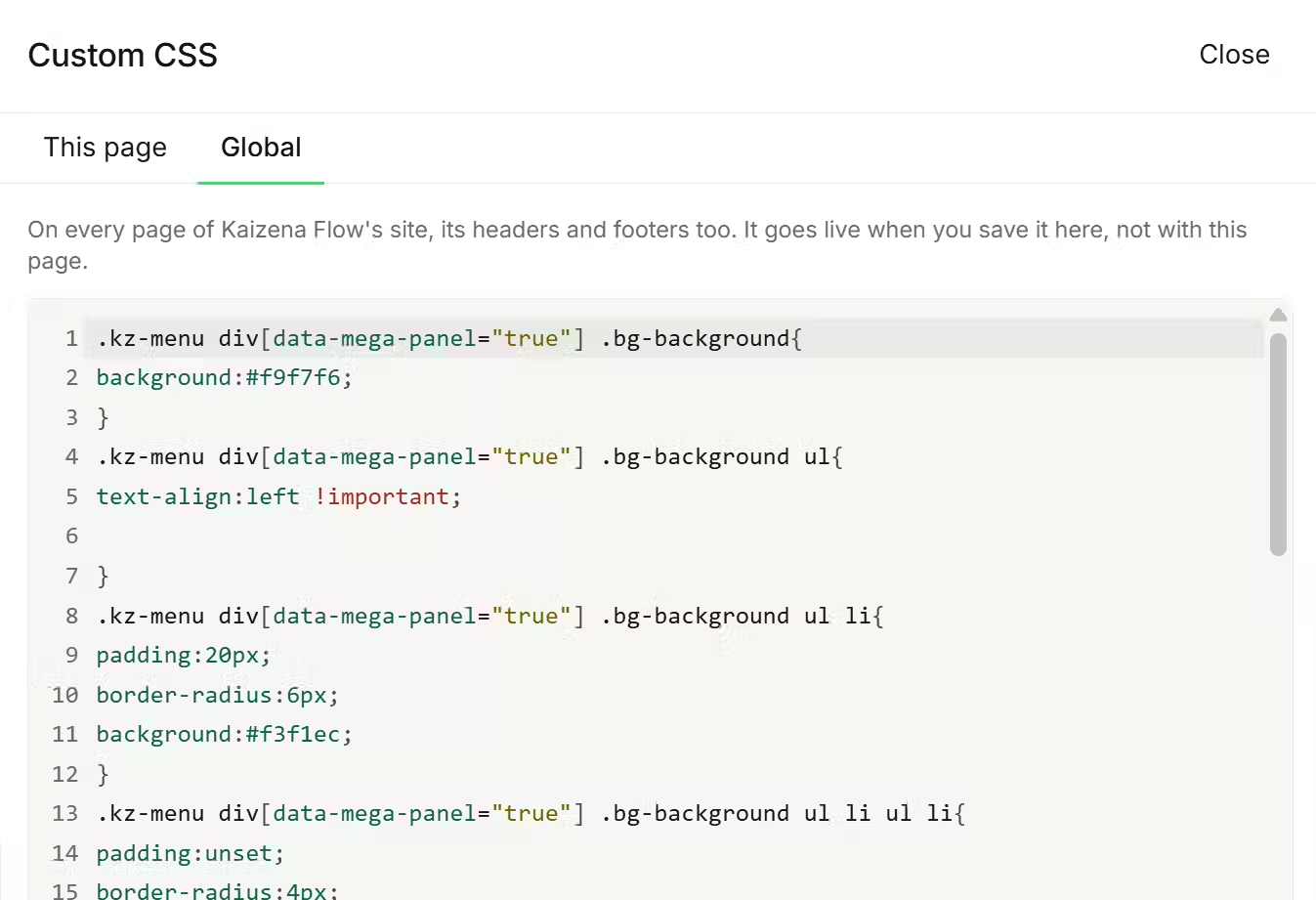
Tweak any detail. Whenever you want to create something truly unique, we've given you the keys to the kingdom through custom code.

MultilingualTranslate to any language
Translate your store into the language of any country you sell to. This makes your customers happy and drives up conversation.